 IncidentDomainsNews from
Porkbun warns of a phishing wave of fake domain-expiry emails
On August 26, 2026, Porkbun emailed all its customers about fake expiry and suspension emails that copy its look. It says no Porkbun system was breached and no data leaked.
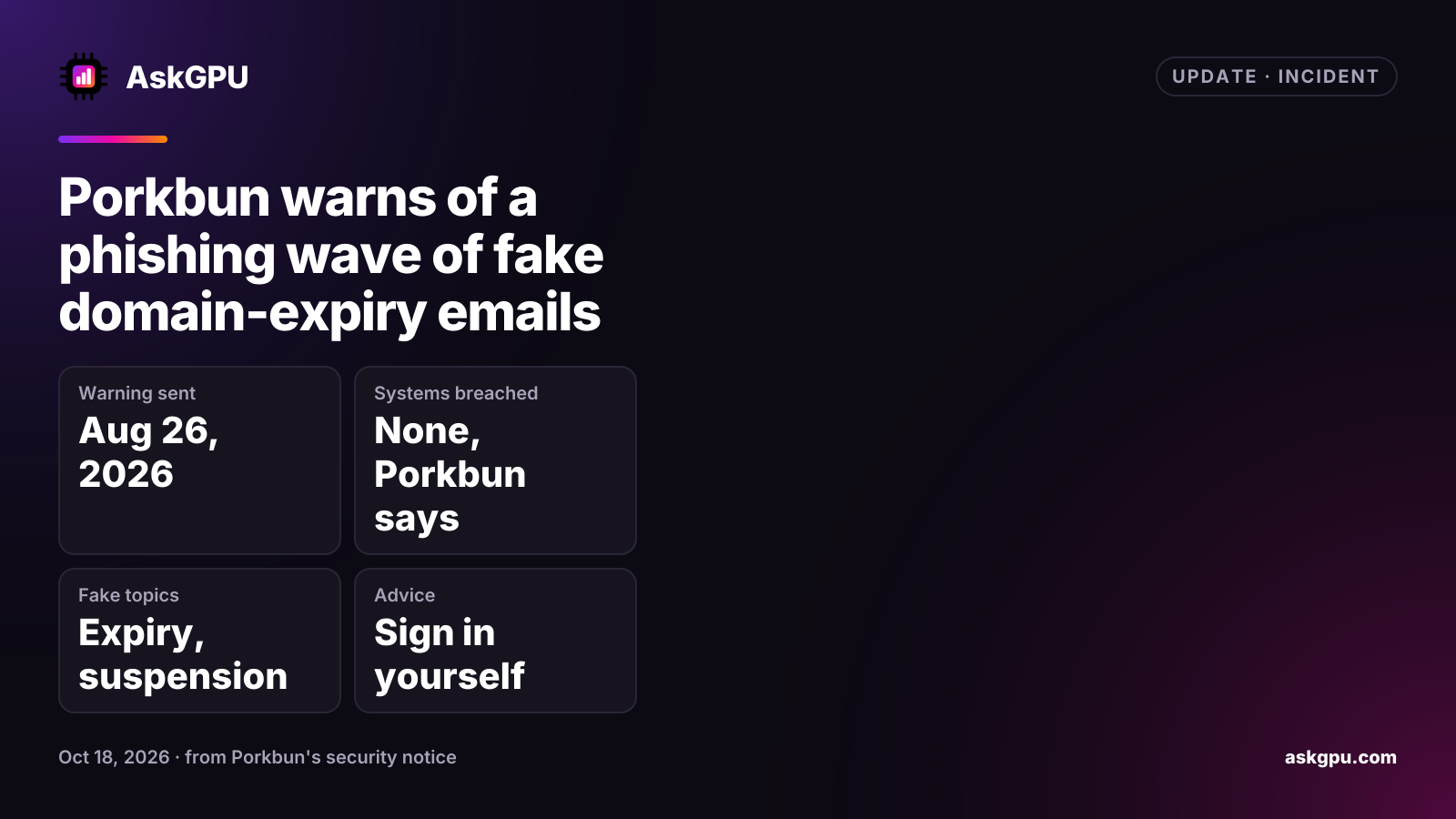
Porkbun published a security notice on August 26, 2026 about a large phishing campaign that impersonates it. The fake emails say a domain is expiring, has expired, or has been suspended over a payment problem. They copy Porkbun’s layout and something close to its logo, and the link leads to a page built to collect payment and account details. Porkbun says enough customers were fooled that it emailed its whole customer base.
What Porkbun says happened
- No breach. Porkbun says no system of its own was compromised and no customer data leaked.
- Not just Porkbun. It describes the campaign as long-running and industry-wide, hitting customers of every registrar. Senders use public domain registration data, guess common addresses on a domain, and scrape contact details from the domain’s own website. That is why people get “Porkbun” emails for domains registered elsewhere, or at addresses they never gave Porkbun.
- Takedowns. Porkbun is reporting the sending domains and phishing pages to the registrars and hosts involved and asking for takedowns. It says it cannot stop the emails from being sent.
What to do
- Don’t click links in an email about an expiring or suspended domain. Open a new tab, go to your registrar’s site yourself, sign in and check your domain list. If nothing there needs attention, the email was fake.
- Porkbun customers can forward a fake to abuse+aug26@porkbun.com, ideally as an attachment so the headers are kept.
- Turn on two-factor authentication on your registrar account.
- Porkbun keeps a longer guide at porkbun.com/security, including what to do if you already clicked.
The same advice applies at any registrar. Before you pay any renewal from an email link, check the expiry date in your own account, and keep auto-renew and a current payment card on domains you can’t afford to lose, so a real expiry notice is rarely urgent.
Sources
Read on . Prices are in US dollars. How we check facts