 LaunchAndroid appsNews from
Expo SDK 58 moves to React Native 0.88 and adds iOS 27 support
Expo released SDK 58 on October 15, 2026, with React Native 0.88, iOS 27 and iPhone Duo support, and R8 on by default in Android release builds. Expo Go for SDK 58 follows within weeks.
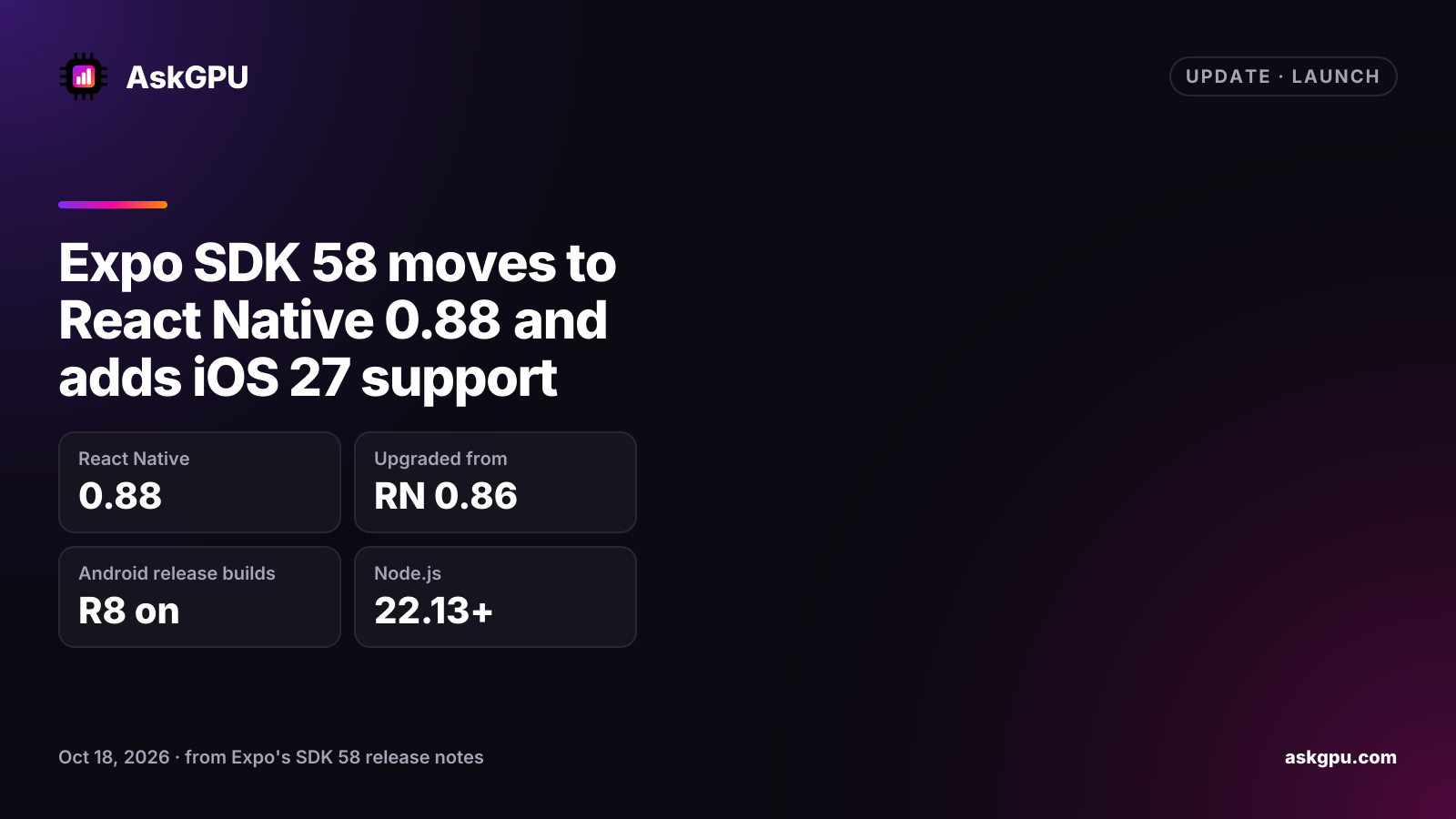
Expo released SDK 58 on October 15, 2026. It moves Expo apps from React Native 0.86 to 0.88, including the changes in 0.87, and is built for iOS 27. It also brings several breaking changes on both iOS and Android.
What’s new
- iOS 27 and iPhone Duo: support for the scene-based app lifecycle, a new
expo-hingepackage and Expo Router support. Expo says apps built with the iOS 27 SDK get resizable iPhone support automatically. - Android builds: a prebuilt
expo-modules-corecut a clean debug build from about 80 seconds to about 39 seconds in Expo’s own test.expo-widgetsnow supports Android, and Expo UI adds new Jetpack Compose components. - Expo Router: data loaders, server-side rendering, middleware and native tabs are now stable.
- App Intents (alpha):
expo-app-intentsexposes app actions to Siri, Shortcuts, Spotlight and Apple Intelligence. - Agents: a new
@expo/agent-clifor agent-driven workflows.
Breaking changes to plan for
- iOS: prebuild now generates
SceneDelegate.swift, andAppDelegatecallbacks arrive differently. Apps with a customizedAppDelegateneed Expo’s migration guide. - Android: R8 is on by default in release builds, which may need ProGuard keep rules.
- React Native: the Strict TypeScript API is the default, and some APIs are removed, including
InteractionManagerand theModalanimatedprop. - Tooling: Expo CLI now sets
NODE_ENVfrom the command, which changes which.envfile loads. Node.js 22.13 or later on the 22 line, 24.3 or later, or 26 or later is required. - macOS: not supported in SDK 58 until
react-native-macosreaches React Native 0.86.
Expo Go comes later
Expo says a new Expo Go for SDK 58 will reach the App Store and Google Play “within a few weeks.”
Until then, create-expo-app still makes SDK 57 projects. To use SDK 58 now, start from the SDK 58
template and use a development build.
What to do
Upgrade with npx expo install expo@^58.0.0 --fix, run npx expo-doctor@latest, and make a new
development build. Test an Android release build with R8 before you ship it, and check your iOS app
delegate code against the migration guide.
Sources
Read on . Prices are in US dollars. How we check facts