 LaunchWebsite buildersNews from
Shopify launches Canvas, a whole-store design workspace with Sidekick
On October 1, 2026, Shopify began rolling out Canvas, which lays out every store page on one workspace and lets merchants edit by clicking or by asking Sidekick in a chat.
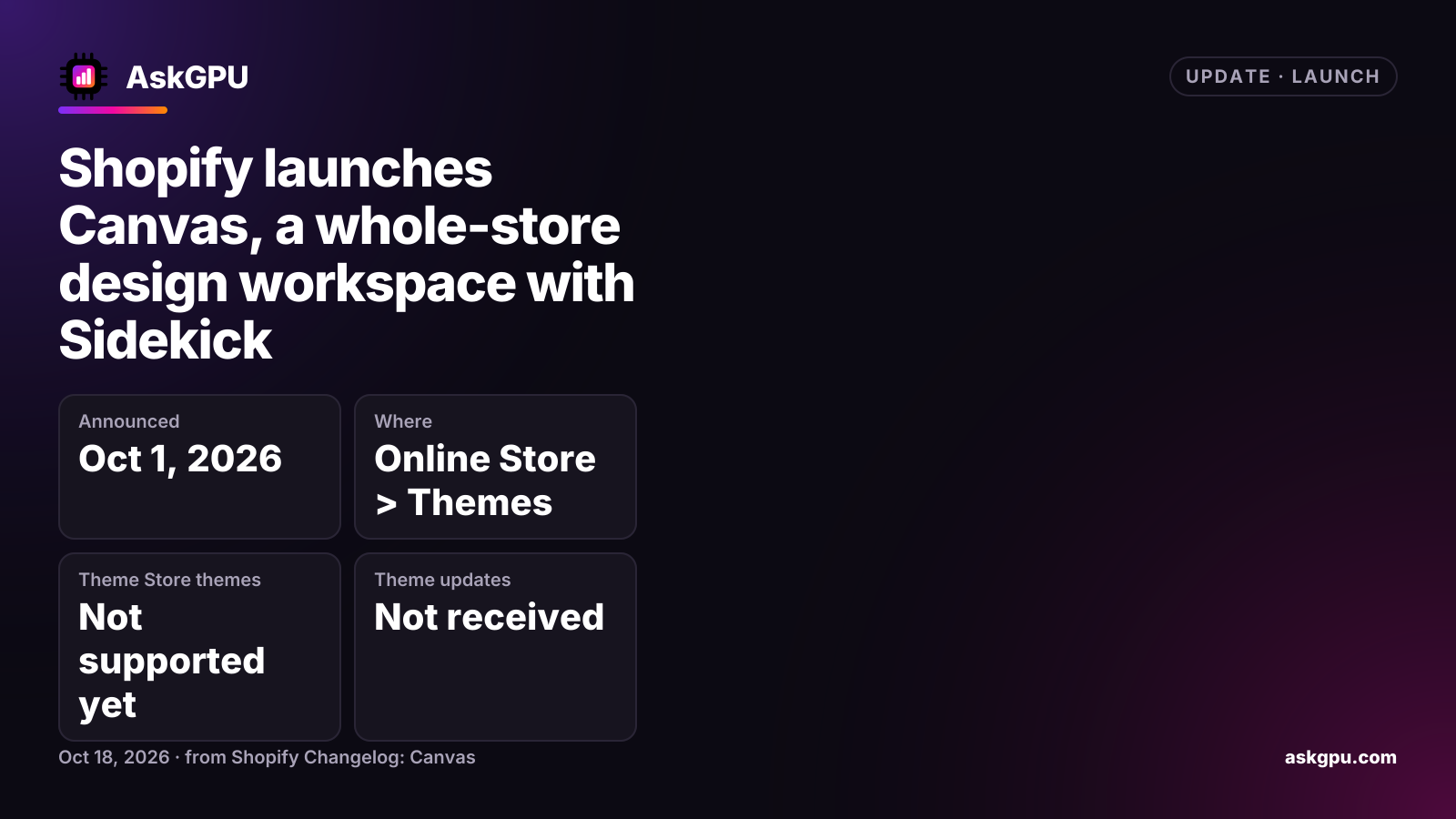
Shopify announced Canvas on October 1, 2026. It is a new way to design an online store: every page sits together on one large workspace, and you can change any part of it by clicking or by telling Sidekick what you want in the chat. Shopify said Canvas would roll out to existing stores over the following days.
What Canvas does
Canvas shows all of a store’s pages side by side on an infinite workspace. You can pan across them and zoom in on any detail. Clicking an element lets you edit it directly. Or you can type a request to Sidekick in the chat and watch its changes appear in real time, from one section up to a redesign of the whole store.
The preview is the real, working store, so you can test interactions, animations, different products and collections, and screen sizes before publishing.
How to start
Go to Online Store > Themes. From there you can create a new theme in Canvas, or duplicate a Shopify theme or a custom theme into Canvas. Your original theme stays in the current theme editor, so trying Canvas does not overwrite it.
The limits at launch
Shopify lists several gaps in the first version:
- Third-party themes from the Shopify Theme Store are not supported.
- Markets, rollouts and translations are not supported.
- App blocks and app embeds are not supported.
- Themes edited in Canvas do not receive theme updates.
The changelog does not mention a price or a plan requirement for Canvas.
Who it is for
Merchants who use one of Shopify’s own themes, or a custom theme, and want a more visual way to redesign with Sidekick’s help. Stores that depend on a third-party Theme Store theme, several markets or translated storefronts, or apps that add blocks to pages will need to wait, since Canvas does not support those yet.
What to do
Duplicate your theme into Canvas rather than starting over, and check which app blocks and app embeds your store uses, since Canvas does not support them at launch. A Canvas copy will not get theme updates, so note your current theme version first.
Sources
Read on . Prices are in US dollars. How we check facts