 Policy changeVPS and app hostingNews from
Cloudflare Workflows starts charging for steps and storage on paid plans
Cloudflare said on July 7, 2026 that Workflows would bill steps and stored state from August 10. Workers Paid includes 500,000 steps a month, then $0.80 per extra 100,000.
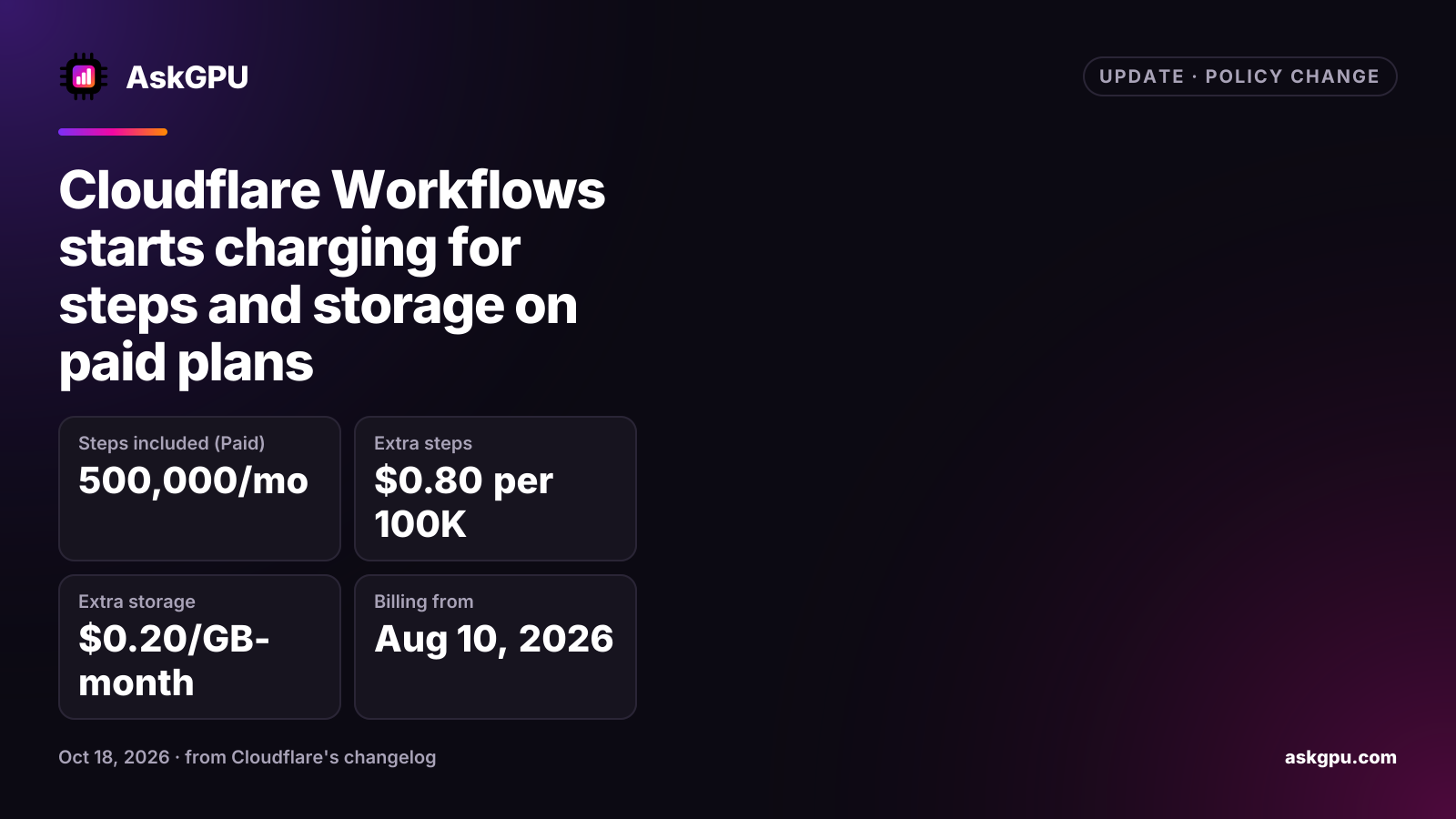
Cloudflare announced on July 7, 2026 that Workflows, part of its Workers platform, would start billing two new things: steps and storage. The charges apply to Workers Paid accounts from August 10, 2026. Cloudflare said it would not bill this usage before that date.
What is billed now
| Item | Workers Free | Workers Paid |
|---|---|---|
| Steps | 3,000 per day | 500,000 a month, then $0.80 per extra 100,000 |
| Storage | 1 GB-month | 1 GB-month, then $0.20 per extra GB-month |
| Requests | 100,000 per day | 10 million a month, then $0.30 per extra million |
| CPU time | 10 ms per call | 30 million ms a month, then $0.02 per extra million ms |
Requests and CPU time were already billed and did not change. Free plan users won’t be charged for steps or storage beyond the included amounts.
What counts
The changelog says a step is each unit of work a Workflow runs, including sleeping or waiting for an event. The pricing docs add that rollback handlers and retries don’t count as steps. Storage is the saved state of every Workflow instance, whether it is running, errored, sleeping or finished. A GB-month is the average of each day’s peak storage over a 30-day billing period.
Who is affected
Anyone on Workers Paid whose Workflows run more than 500,000 steps a month, or keep more than 1 GB of state. A job that runs 20 steps per order, for 50,000 orders a month, uses 1 million steps: 500,000 over the allowance, or $4.00 extra at the listed rate.
Because finished and errored instances still count toward storage, old instances that are never cleaned up add to the bill over time.
What to do
Check the step count and stored state of your Workflows in the Cloudflare dashboard. If storage is growing, look at how long you keep completed instances. If steps are close to 500,000 a month, merge small steps where you can.
Sources
Read on . Prices are in US dollars. How we check facts