 LaunchAI videoNews from
Runway now runs inside Adobe Premiere Pro and After Effects
On September 8, 2026, Runway released a free plugin panel for Premiere Pro and After Effects on macOS and Windows. Generations use the credits on your paid Runway plan.
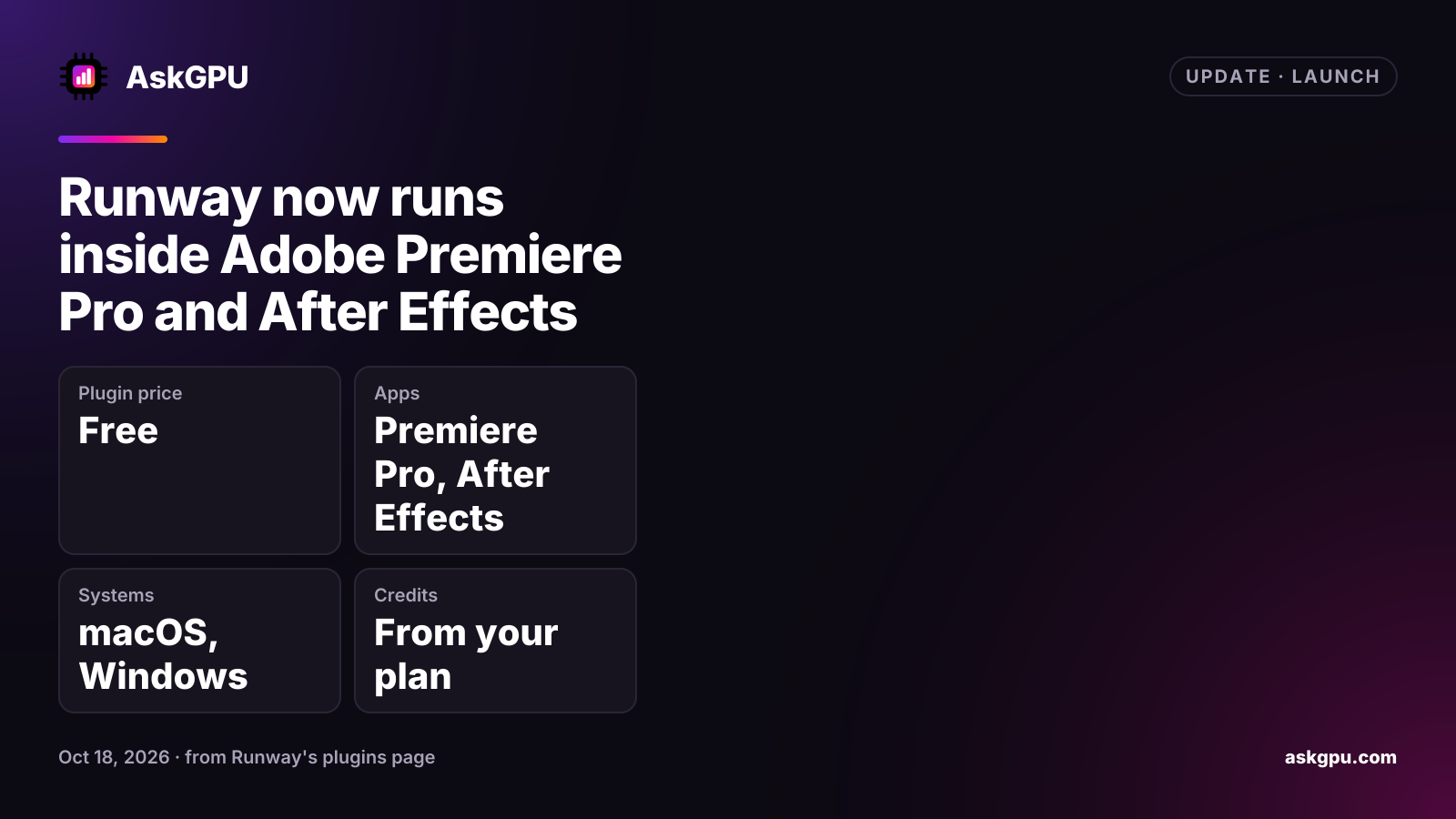
Runway released plugins for Adobe Premiere Pro and After Effects on September 8, 2026. Runway now runs in a panel inside both apps, so editors can generate images and video and drop the results into a sequence or composition without leaving the edit. The download is free for macOS and Windows, and generations use the credits on your existing paid Runway plan.
What the panel does
Runway’s plugins page lists these tools in the panel:
- Video models: Gen-4.5, Seedance 2.5, Kling 3.0 Pro and Veo 3.1.
- Image models: Gen-4 Image, Nano Banana and GPT Image 2.
- Restyle footage: re-render a clip already on your timeline with Aleph 2.0.
- HDR: convert to HDR with Runway Ruby, or generate in HDR from the start.
- Upscaling with Runway’s upscalers.
- Subject isolation: describe the subject, invert the selection and set the output frame rate.
- Library: place generations made on the web onto your timeline in one click.
One installer covers both Adobe apps. In After Effects the panel is under Window, Extensions, Runway. You sign in with your Runway account, and a workspace switcher in the panel header picks whose credits are used.
Who can use it
Runway’s changelog has two entries for the launch. One is tagged “All Plans”; the other is tagged “Paid Plans” and says the plugin “works with your existing paid plan and credits”. The plugins page doesn’t say whether a free account can generate in the panel, and it lists no minimum Adobe app versions.
Runway’s paid plans on its pricing page, October 18, 2026, billed annually:
| Plan | Per month, billed annually | Credits a month |
|---|---|---|
| Standard | $12 | 625 |
| Pro | $28 | 2,250 |
| Max | $76 | 9,500 |
The free plan has 125 one-time credits.
DaVinci Resolve too
On September 23, 2026, Runway added a plugin for DaVinci Resolve as well, also for paid plans.
Before you generate from inside your editor, check the workspace switcher in the panel, so the credits come from the plan you meant to use.
Sources
Read on . Prices are in US dollars. How we check facts