 Policy changeAutomationNews from
Zapier now counts AI by Zapier steps by model tier, up to 5 tasks a run
Since June 15, 2026, an AI by Zapier step uses 1, 3 or 5 tasks per run depending on the model tier, plus the same again for every tool call.
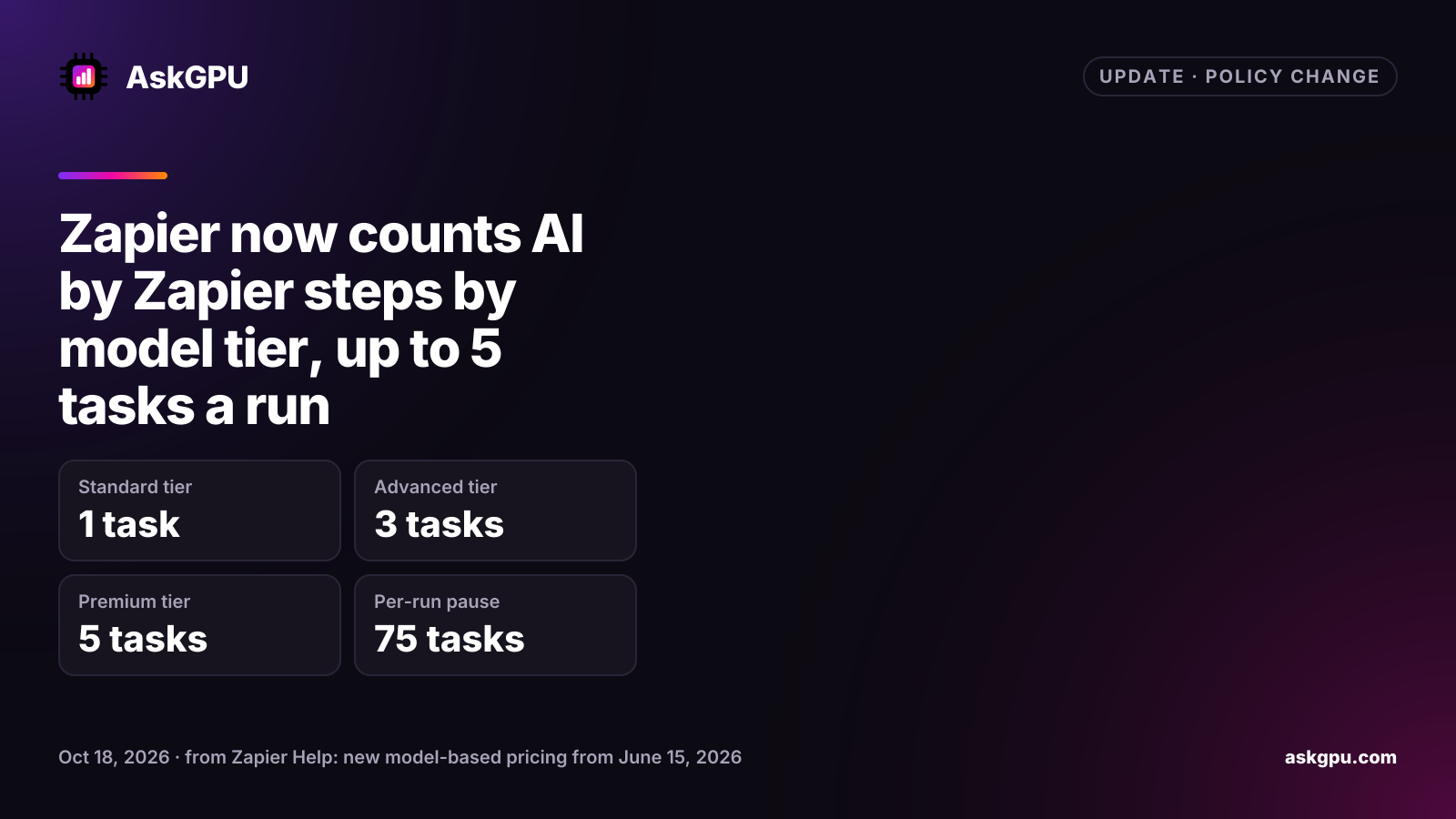
Zapier changed how its built-in AI step is billed on June 15, 2026. An AI by Zapier step now uses tasks based on the model tier you pick, and every tool the AI calls during a run costs extra. Your Zapier plan comes with a monthly task allowance, so the tier you pick decides how fast AI steps use it up.
How tasks are counted now
| Model tier | Base tasks per run | Tools allowed | Example models |
|---|---|---|---|
| Standard | 1 | No | GPT-5 mini, Gemini 2.5 Flash |
| Advanced | 3 | Yes | GPT-4.1, Claude 4.5 Haiku, Gemini 2.5 Pro |
| Premium | 5 | Yes | GPT-5.4, Claude 4.6 Sonnet, Claude 4.8 Opus |
| Your own AI account | 1 | With Advanced or Premium models | Your own API key |
Zapier’s formula is: tasks per run = (1 × tier rate) + (number of tool calls × tier rate). A tool call is any app action or knowledge source the AI uses. Zapier’s examples: a Premium step that makes two tool calls uses 15 tasks, and an Advanced step with one tool call uses 6.
Limits and defaults
A step that reaches 75 tasks in one run pauses and asks you to approve it before it continues. You can raise that limit to 500. The tiers are available on the Professional, Team and Enterprise plans. Free users can only preview AI steps in unpublished Zaps, on the Standard tier.
Zapier’s two help pages disagree on the default for new steps. The June announcement says new steps default to Advanced (3x). The model tier pricing page, updated in October, says new steps on paid plans default to Premium (5x). Either way, a new AI step costs more than one task per run unless you change the tier.
Older AI steps
Steps created before June 15, 2026 are not updated automatically, show no model tier and cannot use tools. Since June 30, 2026, older steps that use knowledge sources with a Standard model are paused, while those on Advanced or Premium models keep running. To keep using knowledge sources on a paused step, create a new step with an Advanced or Premium model.
What to do
Open each Zap with an AI by Zapier step and check its tier. Zapier describes Standard as suited to simple prompts without tools, and it costs a fifth of Premium per run. For tool-heavy steps, Zapier calls connecting your own AI account the most cost-effective option, since it counts at 1x.
Sources
Read on . Prices are in US dollars. How we check facts