 LaunchGPU cloudNews from
Runpod launches global volumes that mount in any data center
Runpod's global volumes, in beta since September 15, 2026, attach to GPU Pods and Serverless workers in any region. Requests cost $0.005 or $0.0005 per 1,000.
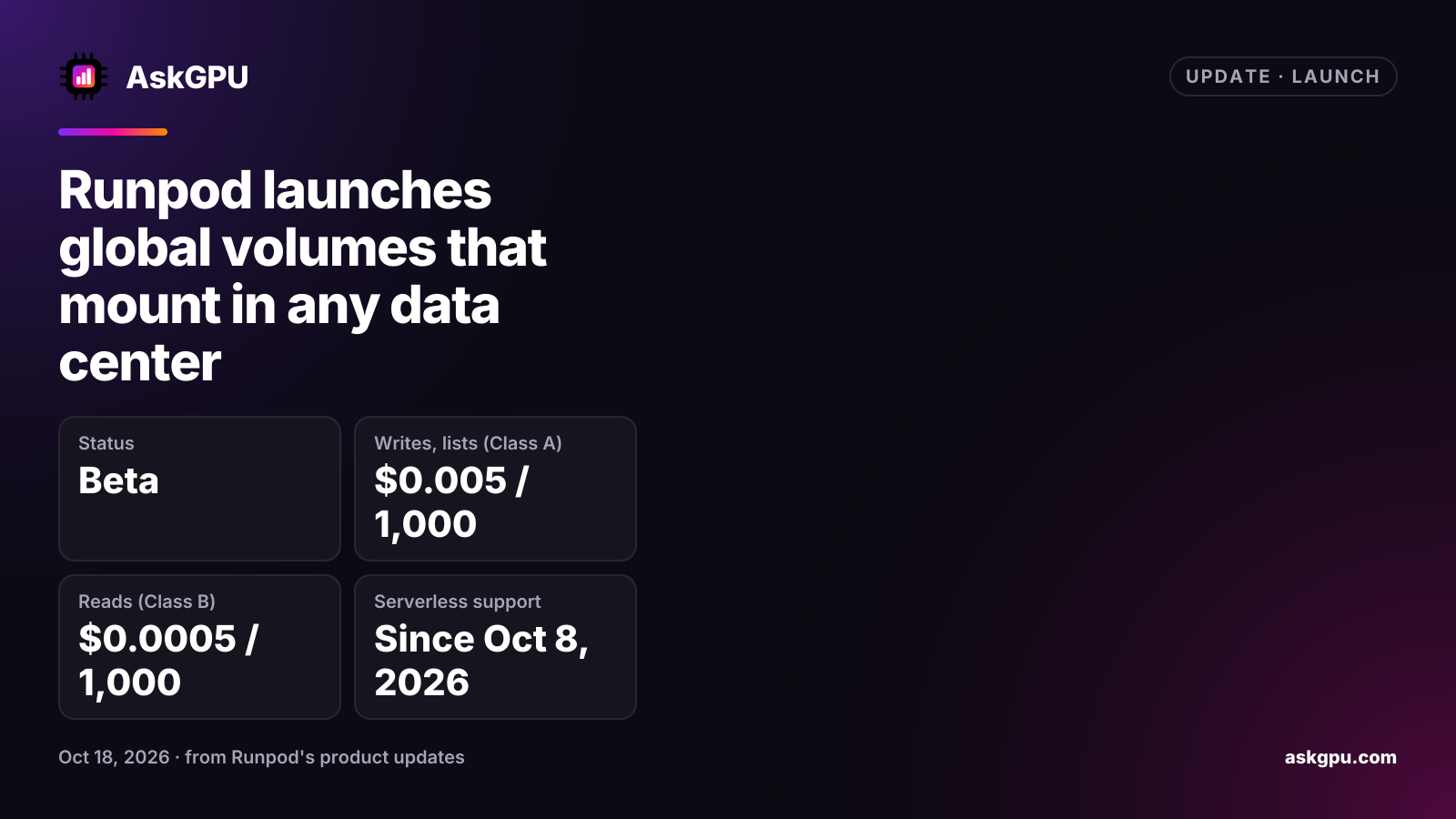
Runpod launched global volumes in beta on September 15, 2026. A global volume is storage that isn’t tied to one data center: you create it once, and a GPU Pod in any Runpod region can mount it at startup. Runpod’s older network volumes are tied to one data center, which limits where the Pods and workers that use them can run. On October 8, 2026, Runpod added global volumes to GPU Serverless endpoints.
What it is good for
Runpod built global volumes for data that is written rarely and read often: model weights, tokenizer files, LoRA adapters and config files that many Pods or workers need. For training and checkpoints, which write a lot, Runpod still points to network volumes. Storage grows as you add data, so there is no size to set in advance.
What it costs
Global volumes are billed for storage and for requests. Runpod added request pricing on September 18, 2026:
| Request class | Operations | Price |
|---|---|---|
| Class A | Writes, creates, lists | $0.005 per 1,000 requests |
| Class B | Reads, metadata lookups | $0.0005 per 1,000 requests |
One file command can turn into several requests, so Runpod advises testing a workload at small scale before scaling up. Runpod’s pricing page doesn’t show a per-GB storage price for global volumes yet. For comparison, it lists standard network storage at $0.07 per GB a month under 1 TB and $0.05 over 1 TB, and high-performance network storage at $0.14.
Limits
- GPU only: you can’t attach a global volume to CPU Pods or CPU Serverless endpoints.
- It is object-backed storage. There is no file locking, atomic rename or hard links, and no permission bits.
- If two Pods write the same file at once, the last write wins.
- Changes made after a Pod starts may not show up inside it right away.
- A Pod can mount one global volume and one network volume at a time.
- If your balance reaches $0, the volume is flagged and permanently deleted after 15 days.
There is no one-click conversion from a network volume. To move data, attach both volumes to one Pod and copy the files with rsync.
What to do
If you deploy the same model to Pods in several regions, a global volume can save you from copying weights to each data center. Keep training data and checkpoints on a network volume, and turn on low-balance alerts so a lapsed balance doesn’t delete your files.
Sources
Read on . Prices are in US dollars. How we check facts